The site opens like an app: its own icon, full screen, no address bar. Nothing to download — it takes almost no space.
- Tap “Share” at the bottom of Safari
- Scroll the list and pick “Add to Home Screen”
- Tap “Add” — the icon appears next to your apps
- Tap the “Share” icon
- Tap the down arrow — “More”
- Choose “Add to Home Screen”
- Open the menu
- Choose “Share”, then the down arrow — “More”
- Choose “Add to Home Screen”
No such item? Open this page in Safari — there it is “Share” → “Add to Home Screen”.
- Open the browser menu
- Choose “Install app” or “Add to Home screen”
- Confirm — the icon appears on your screen
 Toggle Coffee
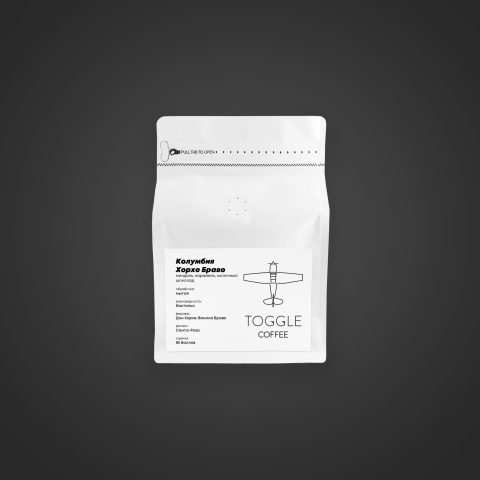 Was 1 350 ₽ · 200 g